
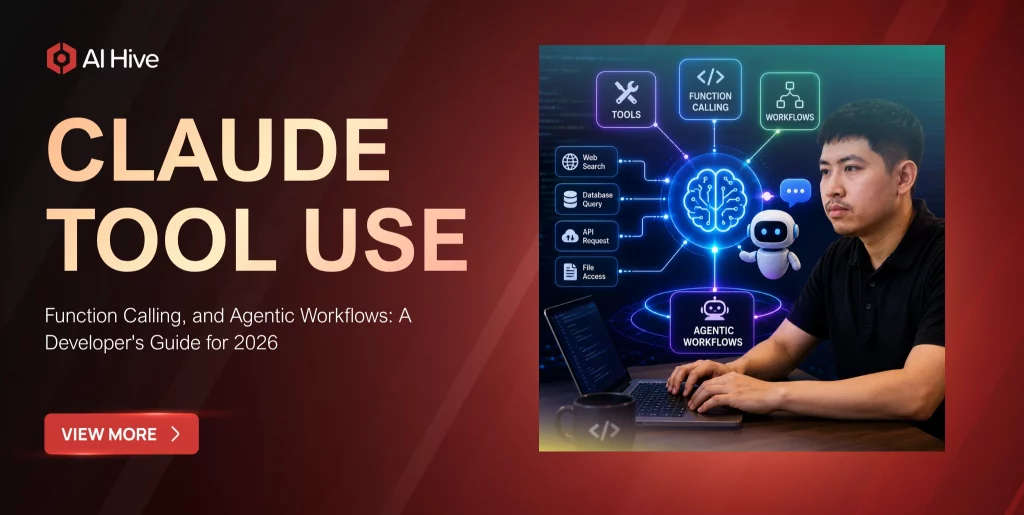

Your Claude integration can answer questions, but it cannot check inventory, update a CRM record, or query your internal database. Without tool use, Claude is limited to generating text from its training data and whatever context you provide. Claude tool use transforms the model from a text generator into an autonomous agent that can interact with external systems, execute multi-step workflows, and take real actions on behalf of your users. This guide covers the API mechanics, security patterns, and production architectures that developers need to build reliable agentic systems with Claude in 2026.
What Is Claude Tool Use?
Claude tool use, also called function calling, is an API feature that allows Claude to invoke external functions during a conversation. Rather than generating a final text response immediately, Claude can recognize when a user’s request requires external data or actions, select the appropriate tool from a set of defined functions, generate structured parameters for that tool call, and then use the tool’s response to formulate an accurate answer.
The mechanism works through a structured exchange between your application and the Claude API. You define available tools with JSON schemas describing their parameters. When Claude determines a tool is needed, it emits a tool_use content block with the function name and arguments. Your application executes the function and returns the result as a tool_result block. Claude then incorporates that result into its reasoning and generates a final response. This loop can repeat multiple times within a single conversation turn, enabling complex multi-step workflows.
How Claude Tool Use Differs from Basic Prompt Engineering
Before tool use, developers attempted to extract structured actions from Claude by asking the model to output JSON or follow specific formatting conventions. This approach was fragile because the model could generate malformed output, hallucinate parameter values, or fail to follow the expected structure consistently. Claude tool use replaces this workaround with a first-class API mechanism.
The key advantages are significant. Tool definitions serve as a contract between your code and the model, enforced by Anthropic’s API layer. Claude’s tool selection is trained behavior, not prompt-dependent, which makes it substantially more reliable than parsing free-text output. Furthermore, the structured tool_use and tool_result blocks create a clear audit trail of what actions the model requested and what data it received, which is essential for enterprise governance requirements.
Claude Defining Tools: Schema Design Best Practices
Well-designed tool schemas are the foundation of a reliable Claude tool use implementation. The quality of your tool definitions directly affects how accurately Claude selects and parameterizes function calls.
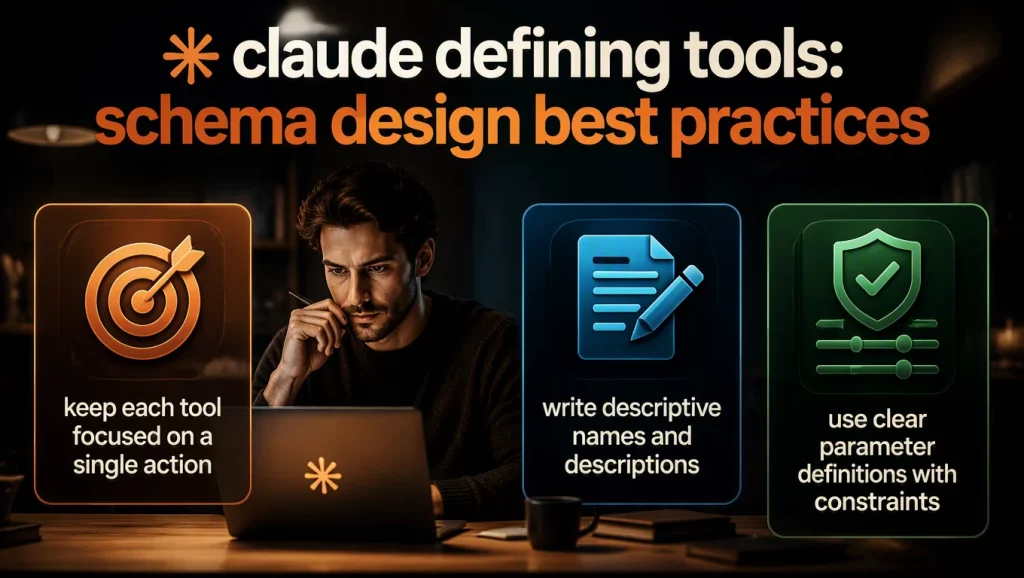
Keep Each Tool Focused on a Single Action
A tool named process_order that handles order creation, cancellation, and status checks is harder for Claude to use correctly than three separate tools: create_order, cancel_order, and get_order_status. Single-purpose tools reduce parameter confusion and make Claude’s tool selection more predictable. Anthropic’s own documentation recommends tool definitions that are narrow and well-described.
Write Descriptive Names and Descriptions
The tool name and description are Claude’s primary signals for deciding when to use a tool. A description like ‘Gets data’ tells Claude nothing useful. A description like ‘Retrieves the current inventory count for a specific product SKU from the warehouse management system. Returns quantity on hand, reserved quantity, and last restock date.’ gives Claude the information it needs to match user intent to the correct function.
Use Clear Parameter Definitions with Constraints
Every parameter should have a type, description, and validation constraints where applicable. Enum types are particularly valuable because they constrain Claude’s output to valid options. For example, defining a status parameter as an enum with values [‘active’, ‘inactive’, ‘pending’] prevents Claude from generating an invalid status value.
Building Agentic Workflows with Claude Tool Use
The real power of Claude tool use emerges when you combine multiple tools into agentic loops where Claude autonomously decides which actions to take and in what sequence.

The Agentic Loop Pattern
An agentic loop allows Claude to call tools iteratively until a task is complete. The flow works as follows: you send a user message with tool definitions, Claude responds with a tool_use block, your code executes the tool and returns the result, and Claude either calls another tool or generates a final response. This loop continues until Claude determines it has enough information to answer the user’s question or complete the requested task.
Gartner predicts that 40% of enterprise applications will integrate AI agents by the end of 2026, up from under 5% in 2025. The agentic loop pattern is the core mechanism that makes these agents functional. Organizations building enterprise AI agent architectures rely on this pattern as the fundamental building block.
Multi-Tool Orchestration
Production agents typically have access to 10 to 30 tools spanning different enterprise systems. A customer service agent might use tools for order lookup, refund processing, knowledge base search, ticket creation, and escalation routing. Claude evaluates the user’s request against all available tools and selects the appropriate sequence. In our deployments at AI Hive, we have observed that Claude Sonnet 5 handles tool selection across 20+ tools with 94% accuracy when tool descriptions are well-written.
Forced Tool Choice for Structured Output
When you need guaranteed structured output from Claude, forced tool_choice is the cleanest approach in 2026. By defining a tool that accepts your desired output schema and forcing Claude to call it, you get reliable structured data without the fragility of asking Claude to output JSON in free text. This pattern is widely used for data extraction, form filling, and API response formatting.
Model Context Protocol: Standardized Tool Integration
Anthropic’s Model Context Protocol, or MCP, is a standardized interface for connecting Claude to external tools and data sources. Instead of building custom integrations for each agent, MCP provides a protocol that any tool provider can implement, creating a universal connector layer between Claude and enterprise systems.
The architectural value of MCP is reduced integration sprawl. Instead of maintaining one-off connectors per agent per system, teams can standardize how agents access approved resources and services via MCP-compatible servers. A single MCP server for your CRM can serve every Claude-powered agent in your organization, with consistent authentication, authorization, and audit logging. For teams evaluating how MCP fits into their broader API strategy, our guide to Claude API enterprise integration covers the architecture in depth.
Security Patterns for Production Tool Use
Claude tool use creates a new attack surface that enterprises must address before deploying to production. Users can influence what Claude invokes, which means hostile users can attempt to manipulate Claude into calling tools with malicious parameters.
Input Validation at the Handler Boundary
Every tool handler must validate all parameters before execution, regardless of whether Claude generated them. Use schema validation libraries like Zod for TypeScript or Pydantic for Python to enforce type constraints, value ranges, and format requirements. Never build SQL queries or shell commands from string concatenation with tool parameters.
Allowlisting and Rate Limiting
Define explicit allowlists for what each tool can access. A database query tool should only access approved tables and columns. A file system tool should only operate within designated directories. Additionally, implement per-session rate limits to prevent a compromised or manipulated conversation from executing an excessive number of tool calls.
Human-in-the-Loop for High-Stakes Actions
For tools that perform irreversible actions like deleting records, processing refunds, or sending communications, implement a human approval step. Claude generates the tool call with parameters, your system presents the proposed action to a human reviewer, and the tool executes only after explicit approval. This pattern is particularly important in regulated industries where audit requirements demand human oversight of automated decisions.
Performance Optimization for Tool-Heavy Agents
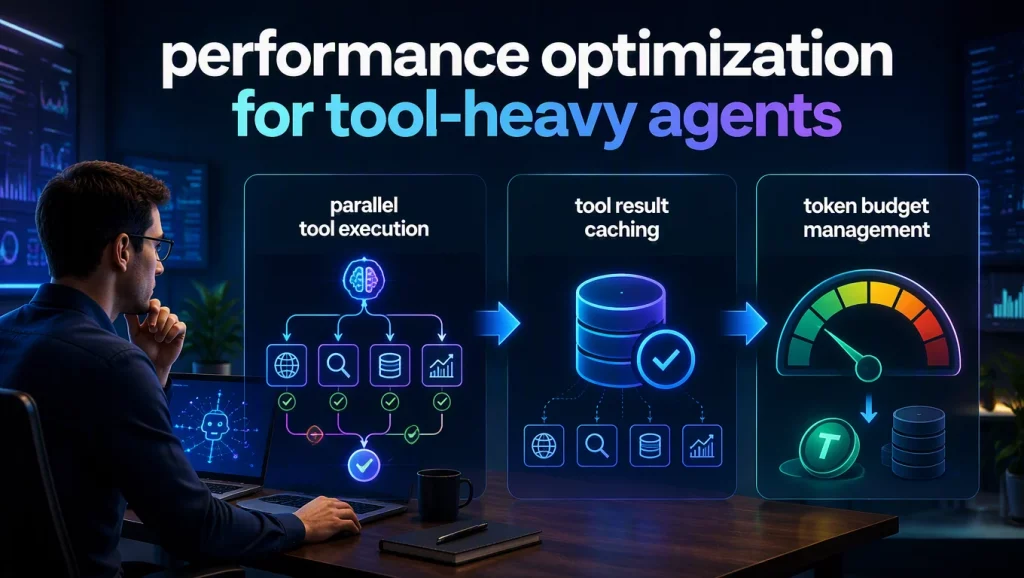
Parallel Tool Execution
When Claude requests multiple tool calls that are independent of each other, execute them in parallel rather than sequentially. A customer query that requires both order history and account details can fetch both simultaneously, reducing total latency by 40% to 60% compared to serial execution.
Tool Result Caching
Implement caching for tool results that are expensive to compute or rate-limited. If your inventory check tool queries an external API with a 500ms response time, cache results for 30 seconds so that repeated queries within the same conversation return instantly. This reduces both latency and external API costs.
Token Budget Management
Each tool definition consumes tokens in the Claude context window, and each tool result adds to the running token count. For agents with 20+ tools, the tool definitions alone can consume 10K to 15K tokens. Use prompt caching for tool definitions that remain constant across sessions, and set reasonable max token limits for tool responses to prevent a single verbose result from consuming excessive context.
Conclusion
Claude tool use is the capability that transforms Claude from a conversational AI into a production-grade enterprise agent. The combination of structured function calling, agentic loops, MCP integration, and robust security patterns creates a foundation for building systems that interact with real enterprise data and take meaningful actions. The developers who build reliable agents are those who invest in well-designed tool schemas, proper input validation, and thoughtful human-in-the-loop controls rather than simply connecting Claude to every API endpoint they can find.
Whether you are building your first Claude-powered agent or scaling an existing deployment, AI Hive’s engineering team specializes in designing tool architectures that balance autonomy with governance. Get in touch with AI Hive to explore how we can accelerate your agentic AI implementation.