
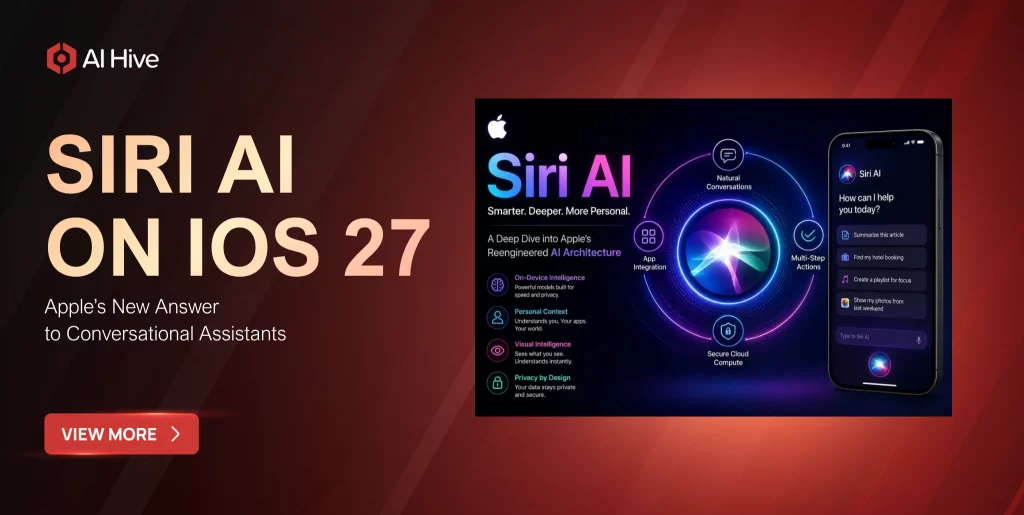

Traditional Siri handles alarms, calls, and short commands well, yet it often loses context during multi-step requests. Siri AI changes that model by combining natural conversation with personal context, onscreen awareness, and actions inside supported apps. Therefore, this article explains what Siri AI is, how it works on iOS 27, which devices may support it, how users can access it, and which privacy trade-offs deserve attention.
Key Takeaways
Siri AI is Apple’s rebuilt assistant for iOS 27. Apple designed the new experience around natural conversation, onscreen awareness, personal context, cross-app actions, and Visual Intelligence. Apple introduced Siri AI at WWDC26 on June 8, 2026, while Apple’s iOS 27 page states that Siri AI will launch in English later in 2026.
- Core upgrade: Siri AI can maintain a conversation, search permitted personal information, interpret supported onscreen content, and complete actions without forcing users to switch between apps.
- Compatibility: An iPhone may support iOS 27 without supporting every Siri AI capability because advanced Apple Intelligence features depend on eligible hardware, language, region, and rollout status.
- Privacy: Apple combines on-device processing with Private Cloud Compute. However, deeper personalization still requires users to decide which apps and data Siri may access.
- Vietnamese support: Apple currently confirms an English-first rollout and has not published a verified launch date for full Vietnamese Siri AI support in the official sources reviewed here.
1. What Is Siri AI?
Siri AI is a redesigned version of Siri powered by the next generation of Apple Intelligence. Apple built the assistant to answer open-ended questions, maintain context across follow-up prompts, retrieve permitted personal information, and perform supported actions throughout the operating system.
More importantly, Siri AI changes the interaction model. Previous versions of Siri primarily matched short requests to predefined functions, whereas Siri AI can connect the user’s words, current screen, and personal context to produce a more relevant response or action.
| Area | Previous Siri | Siri AI |
| Conversation | Mostly single-turn commands | Natural exchanges with contextual follow-ups |
| Context | Limited personal awareness | Permitted context from messages, email, photos, notes, and apps |
| Screen awareness | Minimal understanding | Understands supported onscreen content |
| Actions | Basic system commands | Broader cross-app actions through App Intents |
| History | No dedicated workspace | Dedicated Siri app for meaningful conversations |
Apple introduced Siri AI at WWDC26 on June 8, 2026. Subsequently, Apple positioned the assistant as a major intelligence upgrade across iPhone, iPad, Mac, Apple Watch, and Apple Vision Pro, although availability still depends on language and regional rollout schedules.
2. Key Siri AI Features and How the System Works
Siri AI combines language models, Spotlight’s semantic index, App Intents, and Visual Intelligence. As a result, the assistant can connect three information layers: what the user says, what the device displays, and what permitted personal data can clarify the request.
- Natural conversation: Siri AI supports open-ended prompts and follow-up questions, so users do not need to repeat the entire request after every response.
- Personal context: Siri AI can search relevant information in Messages, Mail, Photos, Notes, and compatible third-party apps when users grant the required permissions.
- Onscreen awareness: Siri AI can interpret supported content on the screen and use App Intents to answer questions or complete related actions.
- Dedicated Siri app: The standalone app keeps meaningful conversations in one place and allows users to pin or continue them across eligible devices.
- Siri mode in Camera: Visual Intelligence lets users ask questions and initiate searches based on objects, places, food, or text visible through the camera.
- Writing support: Siri AI can draft text, review writing, and adapt wording in Mail or Messages according to the user’s request.
On-Device Processing, Private Cloud Compute, and Gemini
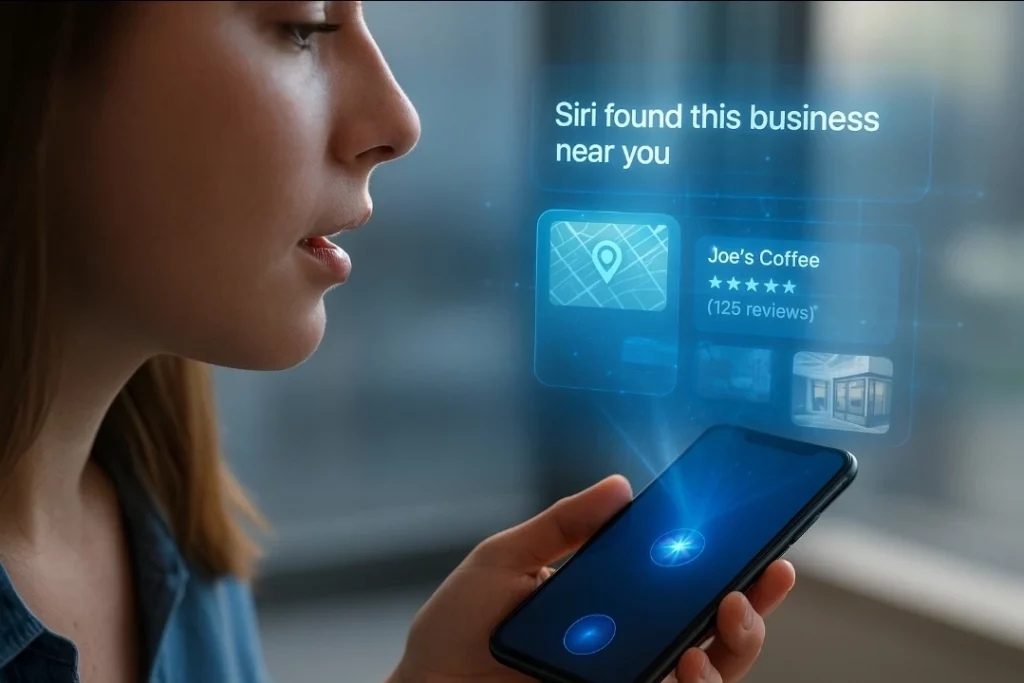
Apple processes suitable requests directly on the device to reduce latency and limit unnecessary data transfer. However, Private Cloud Compute can handle more complex requests when the device needs additional model capacity, while Apple retains control over the privacy architecture that supports Apple Intelligence.
In addition, Apple and Google announced a multiyear partnership in January 2026. The agreement uses Gemini and Google cloud technology as a foundation for future Apple Foundation Models, while the companies stated that the models would continue to run on Apple devices and Private Cloud Compute. Therefore, the partnership does not turn Siri AI into a standalone Gemini application.
3. Device Compatibility, Availability, and How to Use Siri AI
iOS 27 compatibility does not automatically guarantee full Siri AI access. Apple can release the operating system to a broad device list while reserving advanced Apple Intelligence functions for hardware that meets higher processing and memory requirements. Additionally, language and regional restrictions may delay the feature even on otherwise eligible devices.
| Platform | Announced Scope | Practical Limitation |
| iPhone | Deep Siri AI integration across iOS 27 | Full features depend on Apple Intelligence eligibility |
| iPad | Siri AI and a dedicated conversation app | Capabilities depend on model and chipset |
| Mac | Siri AI integration in macOS 27 | Requires eligible Apple Intelligence hardware |
| Apple Watch | Siri AI across watchOS 27 | Some actions may rely on a paired iPhone |
| Apple Vision Pro | Siri AI across visionOS 27 | Features may vary by region and rollout phase |
Does Siri AI Support Vietnamese?
As of September 10, 2026, Apple’s iOS 27 page states that Siri AI will launch in English later in 2026. Apple has not confirmed a Vietnamese launch date in the official sources reviewed for this article. Consequently, users should not assume that an existing Vietnamese interface or legacy Vietnamese Siri support provides access to every new Siri AI feature.
How to Access Siri AI on an Eligible iPhone
- Update iOS: Open Settings, select General, choose Software Update, and install iOS 27 when Apple releases it for the device.
- Review Apple Intelligence settings: Open Apple Intelligence & Siri in Settings and follow the activation flow if the device, language, and region qualify.
- Start an interaction: Say “Hey Siri,” hold the side button, or use the new Dynamic Island gesture on supported devices.
- Use the dedicated Siri app: Open the app to start longer conversations, review history, pin threads, or continue on another eligible device.
- Use Camera mode: Open the supported camera experience and ask Siri AI about an object, place, or text through Visual Intelligence.
If Siri AI does not appear, the device may lack Apple Intelligence support, the selected language may remain unavailable, the region may restrict the feature, or Apple may still place access behind a beta rollout. Therefore, users should verify Apple’s support information for the exact device instead of relying only on iOS 27 compatibility.
4. Siri AI vs ChatGPT, Gemini, and Claude
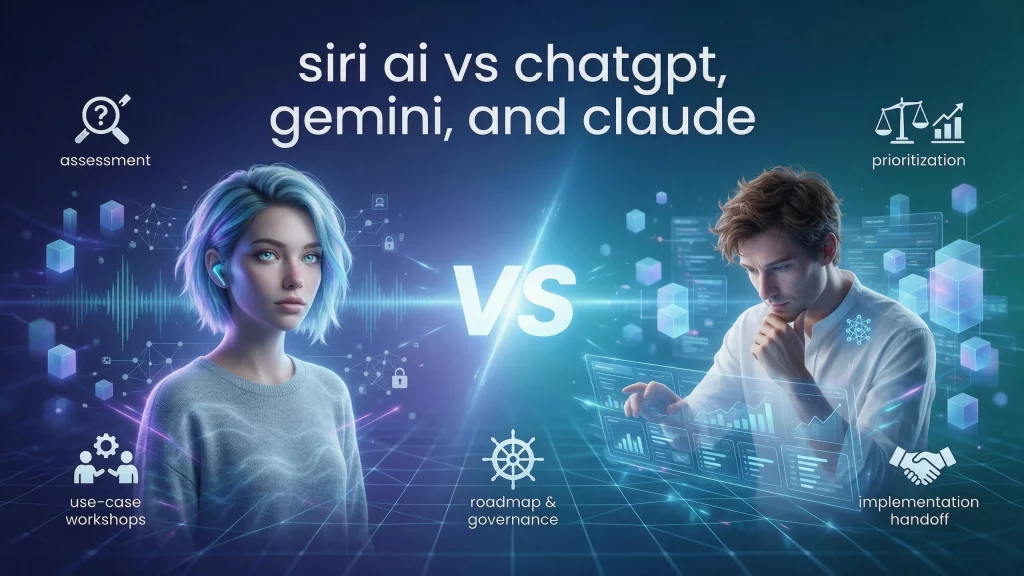
Siri AI does not replace ChatGPT, Gemini, or Claude in every scenario. Apple offers the deepest operating-system integration and the most direct access to permitted personal context, whereas standalone assistants often provide stronger project workspaces, broader cross-platform tools, or deeper long-form analysis.
| Criteria | Siri AI | ChatGPT | Gemini | Claude |
|
Core strength |
Apple integration and app actions | Broad tools and multimodal workflows | Google services and search | Long documents, coding, and reasoning |
| Personal context | Permitted Apple data and app context | Submitted data and connectors | Submitted data and Google services | Files, projects, and connectors |
| Privacy model | On-device plus Private Cloud Compute | Varies by plan and setting | Varies by product and Workspace | Varies by plan and setting |
| Best fit | Daily device tasks | Creative and general automation | Search-heavy Google workflows | Document and knowledge workflows |
For Apple users, Siri AI can become the most convenient orchestration layer for daily device tasks. Nevertheless, ChatGPT, Gemini, and Claude remain valuable when users need extensive research, persistent project spaces, cross-platform integrations, or enterprise-level model control.
5. Privacy Trade-Offs in Practice: What Data Siri AI Can Access
Siri AI needs context to deliver useful personalization. Consequently, the same access that helps the assistant find an old email, photo, message, or note also expands the information that the system may analyze after the user grants permission.
- Messages and Mail: Siri AI can surface permitted messages, confirmation codes, appointments, and recommendations that users received earlier.
- Photos and Notes: The assistant can search contextual photo details, retrieve notes, and connect information across supported personal sources.
- Onscreen content: Onscreen awareness lets Siri AI interpret supported content that the user currently views, while App Intents determine which actions an app exposes.
- Camera input: Visual Intelligence analyzes the camera view when the user actively opens a supported Siri camera experience.
- Cloud processing: Private Cloud Compute can process requests that exceed the device’s local capacity under Apple’s published architecture.
What Early Beta Feedback Reveals
Public beta reports from The Verge, Engadget, and Computerworld praised Siri AI’s conversational flow, screen understanding, contextual search, and continuity across Apple devices. However, the same reports identified uneven app support, a crowded Dynamic Island gesture, beta-related battery or heat concerns, and occasional instability in critical third-party apps.
This article does not claim direct hands-on testing of the final release. Instead, the practical assessment above summarizes published experiences from journalists who tested the beta, which keeps verified observations separate from editorial interpretation.
A Practical Privacy Checklist Before Activation
- Review app permissions: Allow Siri AI to access only the applications and data categories that support a clear workflow.
- Review conversation history: Check how the dedicated Siri app stores, pins, and synchronizes conversations across devices.
- Control camera and screen analysis: Activate Visual Intelligence when a task requires it rather than treating image analysis as a default behavior.
- Maintain current software: Install security updates and avoid beta software on a primary device if work depends on banking, VPN, or smart-home applications.
Conclusion: Is Siri AI Worth the Upgrade?
Siri AI delivers Apple’s most substantial assistant upgrade in years because it moves beyond short commands and adds conversation, screen understanding, personal context, and cross-app actions. Therefore, users who already rely on Apple devices and own eligible Apple Intelligence hardware will gain the clearest value from the new experience.
Before upgrading, users should verify the device model, language, and regional availability. If all three conditions align, Siri AI can reduce app switching and simplify daily tasks; otherwise, ChatGPT, Gemini, or Claude can still complement the Apple experience for more specialized work.